
User manual for Harman Kardon Onyx wireless speaker with Bluetooth, Wi-Fi, AirPlay, and AUX connectivity.
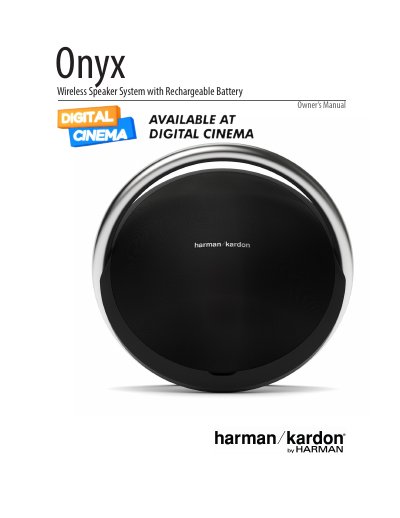
This manual covers setup, controls, and operation of the Harman Kardon Onyx wireless speaker. It explains how to connect via Bluetooth, Wi-Fi, AirPlay, and AUX, adjust volume, manage battery life, and troubleshoot issues. The speaker features a rechargeable battery for up to 6 hours of playtime and dual passive radiators for deep bass. The Harman Kardon Remote app simplifies setup and streaming.
The manual includes sections on speaker placement, power connections, source options, and LED indicators. It also details Wi-Fi setup methods including WPS, iOS wireless sharing, and ad-hoc mode. Controls are touch-sensitive on the top panel, and the rear panel includes USB, power, and AUX ports. This manual is written in Chinese.
| Battery Type | Rechargeable inbuilt battery |
|---|---|
| Battery Life | Up to 6 continuous hours |
| Bluetooth Device Name | HK Onyx BT |
| Bluetooth Password | 0000 |
| Wi-Fi Connection Methods | WPS, iOS Wireless Wi-Fi Sharing, iOS Wi-Fi Sharing with Cable, Ad-hoc Mode |
| Wi-Fi IP Address | 192.168.1.1 |
The built-in rechargeable battery offers up to 6 continuous hours of playtime.
The speaker’s Bluetooth device name is HK Onyx BT and password is 0000.
Connect your iPhone, iPad or iPod Touch to the speaker using Bluetooth. Press the Wi-Fi button on the speaker for less than a second. A pop-up will appear on your device asking to share Wi-Fi settings. Press Allow.
Long press the Bluetooth and Power button in Operational mode to restore factory default settings.