
This manual describes the usage of the Guan Dan offline platform for local algorithm training, including system requirements and JSON data formats.
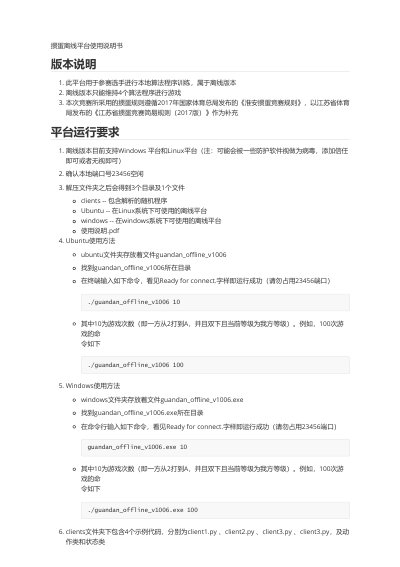
The document provides a user guide for the Guan Dan offline platform (version 1006), designed to allow contestants to train local algorithms. It outlines system requirements for Windows and Linux environments, noting that the offline version supports up to four algorithm programs simultaneously. The manual explains how to run the software on different operating systems using specific command-line instructions. This manual is written in Chinese.
| Supported Platforms | Windows and Linux |
|---|---|
| Max Algorithm Programs | 4 |
| Default Port Number | 23456 |
| Connection Protocol | WebSocket |
Navigate to the windows folder, find guandan_offline_v1006.exe, and enter the command in the command line.
Navigate to the Ubuntu folder, find guandan_offline_v1006, and enter the command in the terminal.
The address is ws://127.0.0.1:23456/game/{user_info}.