
The WTRFM Burner User Manual provides instructions for USB installation, eWR3 installation, correct Power ON/OFF steps, hardware and operation instructions for WTRFM, basic function introduction for eWR3, explanation of WTRFM/WTRFI options, example of OTP burning process, explanation of WTRFM messages and codes, instructions for using View Data, instructions for using S/N Code, instructions for using 5840 IRC, and instructions for using information certificates.
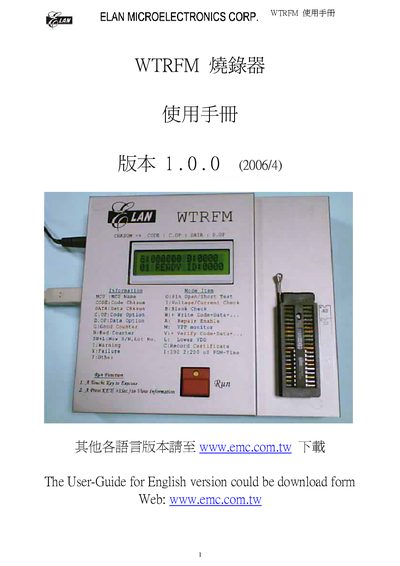
This manual provides step‑by‑step instructions for installing the USB driver and software for the WTRFM writer. It includes details on locating the installation files on the supplied CD or downloading them from the ELAN website.
The document also explains the device identification system, OTP data handling, and how to view or modify ID, lot numbers, and related parameters within the software. This manual is written in Chinese.
| Power Supply Voltage | 18 V |
|---|---|
| Interface | USB |
Copy the WTREM_SW.EXE (or WTRFM_SOFT.EXE) from the supplied CD or download it from www.emc.com.tw, then run the installer to install the USB driver.
The WTRFM ID is a two‑digit identifier used to distinguish individual devices, especially when multiple units share the same firmware.
Select the ‘Show CHKSUM’ function in the software; the OTP code and data checksum will be displayed, unless the OTP data is not stored.