
Quick installation guide for the Grandstream WP810 cordless Wi-Fi IP phone, covering setup, Wi-Fi connection, and web configuration.
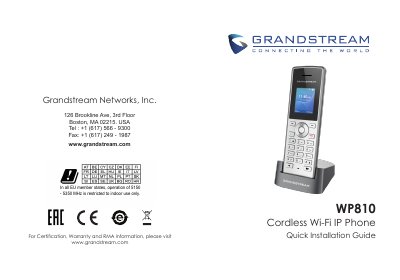
The WP810 is a cordless Wi-Fi IP phone designed for enterprises and vertical markets such as retail, logistics, medical, and security. It has integrated dual-band 802.11a/b/g/n/ac Wi-Fi support, advanced antenna design, roaming support, and HD voice with dual microphones.
This guide covers precautions, package contents, charging station and battery setup, handset controls, connecting to a Wi-Fi network, and accessing the web configuration interface. It also states that the WP810 is not pre-configured for emergency calls and that users must make their own arrangements for emergency services.
| Wi-Fi | Dual-band 802.11a/b/g/n/ac |
|---|---|
| Operating temperature | -20 to 60 C |
| Operating humidity | 10-90% RH (non-condensing) |
| Power adapter | 5V |
| Headset jack | 3.5 mm |
On the LCD menu, press the Menu key and navigate to Settings, Network Settings, then Wi-Fi; turn Wi-Fi on, open Wi-Fi Settings, select the desired network, and enter the password if requested.
Press the UP button to see the IP address, type that IP address into a PC browser on the same network, then enter the admin username and password.
The factory default username is admin, and the default random password can be found on the sticker on the back of the unit.
Charge the battery fully before using the handset for the first time.