
This user manual covers the installation, configuration, and operation of the Grandstream HT502 Dual FXS Port Analog Telephone Adaptor.
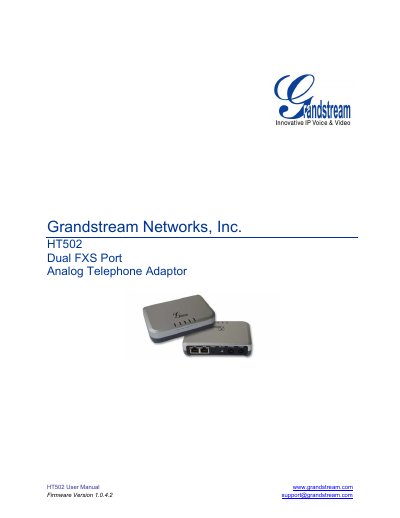
The Grandstream HT502 is a dual FXS port analog telephone adaptor designed for VoIP services. It features two RJ-45 ports, supports multiple voice codecs including G.711, G.723.1, and G.729, and includes integrated router and NAT capabilities. The device is suitable for residential users and teleworkers, offering features like 3-way conferencing, call waiting, and fax support.
| Telephone Interfaces | 2 FXS ports, 2 SIP accounts |
|---|---|
| Network Interface | 1 RJ45 for LAN, 10/100 Base-TX, Full Duplex |
| Voice Compression | G.711, G.723.1A, G.726, G.729A/B/E, iLBC |
| Fax over IP | T.38 compliant |
| Power Input | 100–240 VAC/50-60 Hz |
| Power Output | 12VDC, 0.5A |
| Dimensions | 115mm (L) x 75mm (W) x 27mm (H) |
Up to 1Km on 24 AWG wire.
Press the Factory Reset button for 7 seconds.
Yes, it supports T.38 compliant fax over IP.