
User manual for the FLIR MR176 Imaging Moisture Meter Plus, covering operation, safety, menus, maintenance, specifications, and warranty.
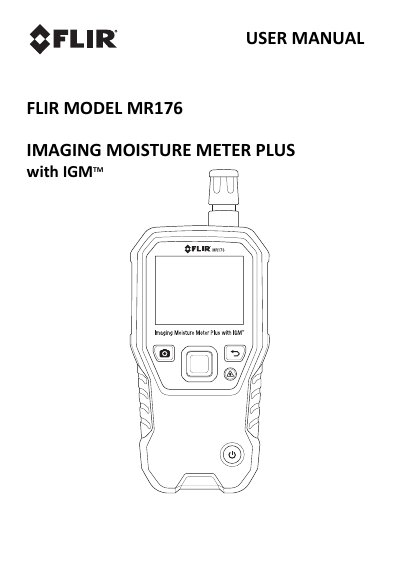
The FLIR MR176 Imaging Moisture Meter Plus combines thermal imaging with moisture detection and measurement. It includes an integrated non-invasive pinless moisture sensor, an external pin moisture probe (MR02), and a replaceable temperature and relative humidity sensor (MR01) that provides dew point, vapor pressure, and mixing ratio readings in addition to air temperature and relative humidity. It uses Infrared Guided Measurement (IGM) technology to scan and target moisture issues.
The meter can save measurements and images for later transfer to a PC, and reports can be generated with FLIR Tools PC software. It has a color display, laser pointer and crosshairs, programmable high moisture alarm, and nine material group selections for pin-based readings.
| Thermal imaging sensor | FLIR Lepton microbolometer FPA with integrated shutter |
|---|---|
| Material groups | 9 |
| Moisture sensor | Integrated non-invasive pinless moisture sensor |
| External probe | External pin moisture probe (MR02) |
| Temperature and humidity sensor | Replaceable temperature and relative humidity sensor (MR01) |
| Battery | Internal rechargeable battery with USB charger |
Register the FLIR MR176 within 60 days of purchase at www.flir.com/testwarranty.
FLIR Tools PC software via USB.
Nine (9).
Do not look directly into the laser beam.