
User manual for the Fast SCR 4400 4K camera, covering safety, controls, mounting, battery charging, USB modes, recording settings, and menu options.
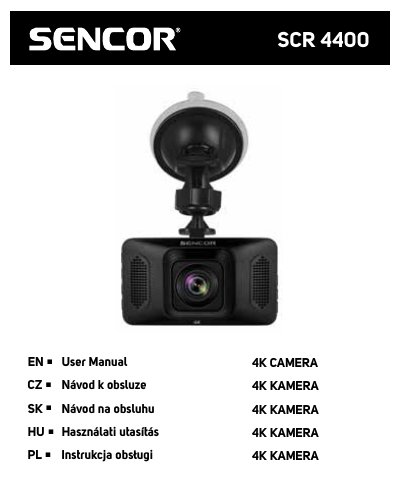
This Czech-language user manual covers the Fast SCR 4400 4K camera. It starts with important safety instructions and then describes the device controls, including the microSD card slot, buttons, USB port, screen, lens, microphone, and reset button; the table of contents also lists troubleshooting and technical specifications.
The manual explains windshield mounting, battery charging, USB modes, and starting recording. It also documents operating modes and menu settings such as video resolution, loop recording, encoding, exposure, motion detection, audio, shock sensitivity, screensaver, auto power off, language, frequency, date/time, card formatting, time zone, watermark text, and factory reset. This manual is written in Czech.
| Video resolution | 4K (3840×2160, 30 fps); 2.7K (2688×1520, 30 fps); 1080P (1920×1080, 30 fps); 720P (1280×720, 30 fps) |
|---|---|
| Loop recording | 1 min / 3 min segments |
| Encoding type | H.264 / high compression |
| Exposure compensation | -3 to +3 |
| Motion detection | Off / On; recording starts automatically when large movement is detected |
| Audio recording | Off / On via built-in microphone |
| Shock sensitivity | Off / Low / Medium / High |
| LCD screensaver | Off / 30 sec / 1 min / 2 min |
| Auto power off | Off / 1 min / 3 min / 5 min |
| Power input | 5 V only |
| Battery charging time | Up to 180 minutes for a fully discharged battery |
| microSD card speed class | At least Class 10 |
| microSD card capacity | Recommended at least 16 GB; maximum 64 GB |
| Frequency | 50 Hz / 60 Hz |
The manual recommends at least 16 GB and a maximum of 64 GB.
Use only a 5V power supply; other power sources can damage the device.
Charging a fully discharged battery takes up to 180 minutes.
Press the MODE button to switch between video recording, photo, and playback modes.