
Fanvil X1S/X1SP IP Phone Quick Installation Guide

Quick guide to install and configure Fanvil X1S/X1SP IP phones for basic calling and features.
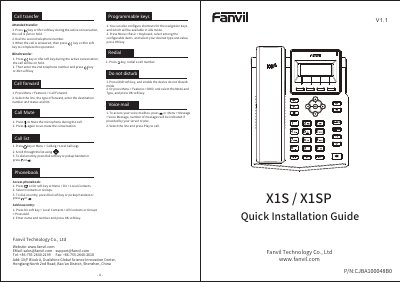

Fanvil X1S/X1SP IP Phone Quick Installation Guide - cover page
Brand
Fanvil
Document type
Quick Start Guide
Language
English
Pages
2
File format
PDF
File size
2.2 MB
Published
05 November, 2026
Updated
05 November, 2026
MD5 checksum
1AA8910D4F94F89925C484C1456E0CF9

About this manual

This guide explains how to install and configure the Fanvil X1S/X1SP IP phone. It covers connecting hardware, setting up network and SIP accounts, and using basic functions like calling, call transfer, and mute. Configuration can be done via the phone’s menu or web interface. The guide also includes key functions such as redial, do not disturb, and voice mail access.

What's inside

  • Installation
  • Configuration via Phone
  • Configuration via Web
  • Making a Call
  • Accepting a Call
  • Call Transfer
  • Call Mute
  • Do Not Disturb
  • Voice Mail
  • Programmable Keys

Frequently asked questions

What is the default password for web configuration?

The default username and password are both ‘admin’.

What is the default password for configuring the phone via the menu?

The default password is 123.

What is the default username and password for logging into the web configuration?

The default username and password are both 'admin'.

What key is used to mute or un-mute a call during a conversation?

Press to Mute the microphone during the call.

Download PDF (2.2 MB)

More Fanvil Manuals


View all Fanvil manuals →