
Fanvil i61/i62/i63/i64 video door phone quick installation guide: panel and interfaces, electric lock wiring, wall or flush mounting, and web setup.
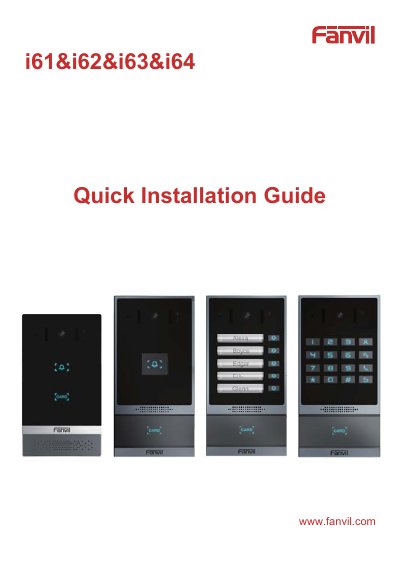
This quick installation guide covers the Fanvil i61, i62, i63 and i64 video door phones. It shows the panel layout (camera, MIC, IR LED, photoresistor, TOF sensor, DSS key, RFID area and speaker), lists the package contents including RFID cards, screws and a mounting template, and gives the device dimensions for each model.
The guide then describes the terminal block interfaces (Ethernet, Wiegand, RS485, power, two short-circuit input and two output interfaces, line out), explains NO/COM/NC contacts for normally open and normally closed electric locks, and walks through wall mounting and flush mounting steps. A setup section covers finding the door phone and its IP address, logging into the web page, adding a SIP account, configuring a DSS key, and setting remote password, local password and RFID card door unlocking.
| Device size (i61) | 159.7 x 88 x 36.15 mm |
|---|---|
| Device size (i62, i63, i64) | 177.4 x 88 x 36.15 mm |
| Ethernet interface | Standard RJ45 interface, 10/100M adaptive |
| Power interface | 12V/1A input, up positive, down grounded |
| Included RFID cards | 2 pcs |
| Default web login | User name and password both "admin" |
Long press the DSS key for 3 seconds after the device has been powered on for 30 seconds, then press the speed-dial button within 5 seconds when the speaker beeps rapidly; the system announces the IP address by voice.
Both the default user name and the default password are admin.
The power interface takes a 12V/1A input, with up positive and down grounded.
Two RFID cards are included in the package contents.