
Fanvil i56A indoor station quick installation guide covering package contents, interfaces, mounting, IP and SIP setup, and basic door phone operation.
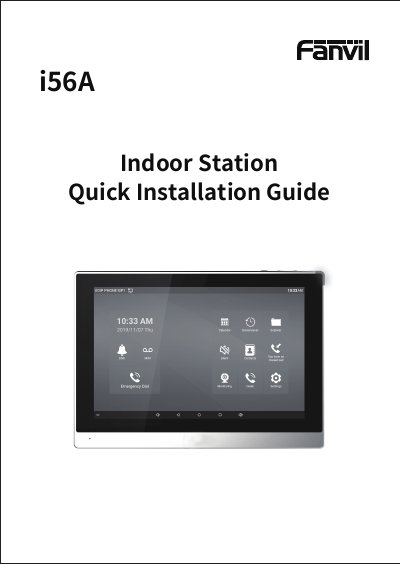
The Fanvil i56A Indoor Station Quick Installation Guide provides instructions for installing and setting up the indoor station. It lists package contents and physical specifications, describes the interfaces on the device, and shows connection options for external devices.
The guide explains wall-mounted and desktop installation, how to find and log in to the indoor station web page, and how to configure SIP and door phone settings. It also covers local operations such as answering or hanging up calls, unlocking a door, monitoring, and volume adjustment.
| Dimensions | 259 x 193 x 20 mm |
|---|---|
| Power input | 12V/1A |
| Ethernet interface | Standard RJ45, 10/100M adaptive |
| RS485 interface | 1 set |
| Short-circuit output interfaces | 2 sets |
| Alarm input interfaces | 8 sets |
| Recommended network cable | CAT5 or CAT5E |
Both the default user name and password are admin.
After booting, click Settings and then Common to query it, or pull down the notification bar.
During the call between the indoor station and door phone, click the button to unlock the door.
It is recommended to use CAT5 or CAT5E network cable.