
User manual for the Extech VT30 Multifunction Voltage Tester, featuring AC/DC voltage measurement, continuity testing, and 3-phase rotation detection.
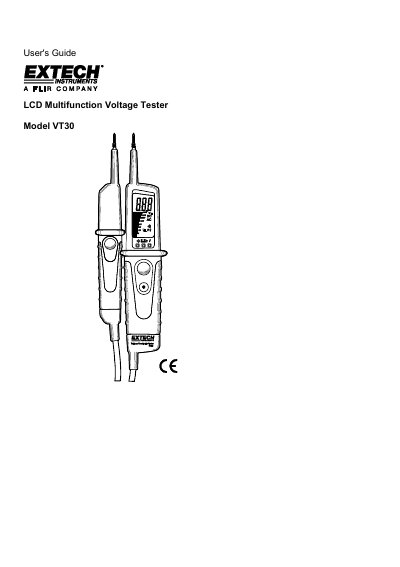
The Extech VT30 is a multifunction voltage tester designed to measure AC voltage up to 480V and DC voltage up to 690V. It features an LCD readout, a stepped voltage bargraph indicator, and LEDs for polarity indication.
Additional capabilities include an audible continuity beeper, a low impedance test mode to eliminate phantom voltages, 3-phase rotation identification, and a built-in flashlight for illuminating test connections.
| AC Voltage range | 0 to 480V |
|---|---|
| DC Voltage range | 0 to 690V |
| Continuity test range | 0 to 200kΩ |
| LCD display | 1999 counts (3-1/2 digits) |
| Power supply | 2 x “AAA” 1.5V alkaline batteries |
| Operating Temperature | -10 to 55oC |
It uses a low impedance test mode where capacitive voltage is suppressed to show the actual applied voltage.
The tester sounds an audible alert and lights the continuity LED if the resistance is less than 200kΩ.
The device turns on automatically when AC or DC voltages higher than 4.5V are detected.