
This user manual covers the operation, calibration, programming, and specifications of the Extech PH300 digital pH meter for measuring pH, mV, and temperature.
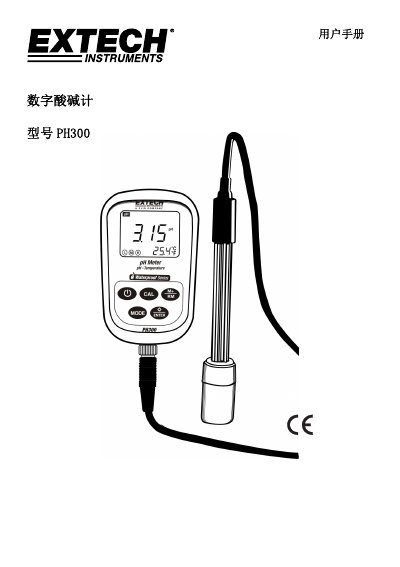
The Extech PH300 is a digital pH meter designed to measure pH, mV, and temperature parameters. It features automatic calibration, automatic temperature compensation (ATC), data storage, and self-diagnosis capabilities. The device supports up to 13 types of pH standard buffer solutions and includes a digital filter to improve measurement speed and accuracy. It offers special modes for ammonia and pure water measurements and features a backlit LCD display with an IP57 dust and water resistance rating. This manual is written in Chinese.
| Measurable Parameters | pH, mV, Temperature |
|---|---|
| Standard Buffer Solutions | Up to 13 types |
| Data Storage Capacity | 100 pH values, 100 mV values, 200 data points |
| Protection Rating | IP57 |
| Power Source | 2 x AA 1.5V batteries |
For best results, the instrument should be calibrated once every day.
ERR-1 indicates an electrode zero potential error, and ERR-2 indicates an electrode slope error.
A three-point calibration using pH 7, pH 4, and pH 10 buffers is recommended for maximum slope linearity.