
Extech 42520 IR Thermometer instruction manual for non-contact temperature measurement, laser pointer use, battery replacement, and warranty service.
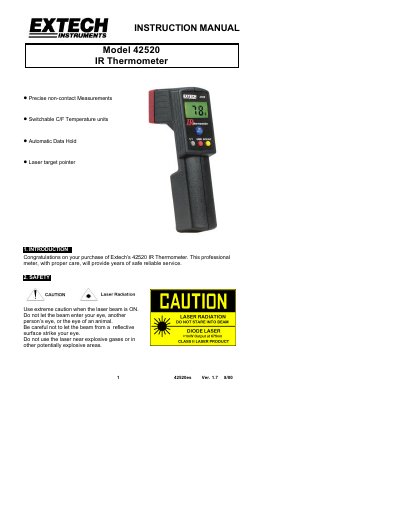
The Extech 42520 IR Thermometer is a professional non-contact infrared thermometer with switchable Celsius/Fahrenheit units, automatic data hold, and a laser target pointer.
The instruction manual covers laser safety, front panel controls, measurement operation, measurement techniques, battery replacement, calibration and repair services, and the one-year limited warranty.
| Display | Backlit LCD display |
|---|---|
| Sample rate | 1 sec. approx. |
| Power off | Automatic shutoff after 5 seconds |
| Operating Temperature | 0 °C to 50 °C (32 °F to 122 °F) |
| Operating Humidity | Max. 80% RH. |
| Weight | 200 g / 6.4 oz. |
| Distance Factor | D/S = Approx. 6:1 |
| Accuracy | ± 2% rdg or 4oF/2oC whichever is greater |
Press and hold the ON/HOLD key and then press the C/F key momentarily until the desired units are shown.
The meter powers down approximately 5 seconds after the ON/HOLD key is released.
A flashing display indicates that the battery voltage has fallen into the critical region.
Extech recommends that calibration be performed on an annual basis.