
Extech 365510 Digital Stopwatch User Guide

User guide for the Extech 365510 Digital Stopwatch covering normal mode, stopwatch functions, split time, two competitor monitoring, alarm settings, and…
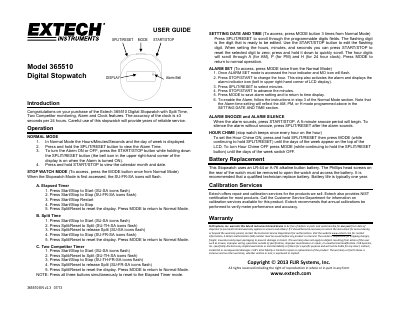

Extech 365510 Digital Stopwatch User Guide - cover page
Brand
EXTECH
Category
Other
Document type
User Manual
Language
English
Pages
1
File format
PDF
File size
214 KB
Published
22 November, 2026
Updated
22 November, 2026
Model
365510
MD5 checksum
86AA0B752BB5C13B978B87D38876C856

About this manual

This document serves as the user guide for the Extech 365510 Digital Stopwatch, which features split time, two competitor monitoring, an alarm, and clock functions. The device displays hours, minutes, seconds, and the day of the week in Normal Mode, with an accuracy of ±3 seconds per 24 hours.

What's inside

  • Introduction
  • Normal Mode
  • Stop Watch Mode
  • Split Time
  • Two Competitor Timer
  • Setting Date and Time
  • Alarm Set
  • Alarm Snooze and Silence
  • Hour Chime
  • Battery Replacement

Specifications

Clock Accuracy±3 seconds per 24 hours
Battery TypeLR-44 or A-76 alkaline button battery
Battery Lifetypically one year

Frequently asked questions

How do I turn the alarm on or off?

Press the START/STOP button while holding down the SPLIT/RESET button.

How do I reset the display?

Press the SPLIT/RESET button.

How do I silence the alarm without snooze?

Press the SPLIT/RESET button after the alarm sounds.

Download PDF (214 KB)

More EXTECH Manuals


View all EXTECH manuals →