
Installation and configuration guide for EVGA NVIDIA-based graphics cards, covering hardware and software setup, NVIDIA Control Panel features, and…
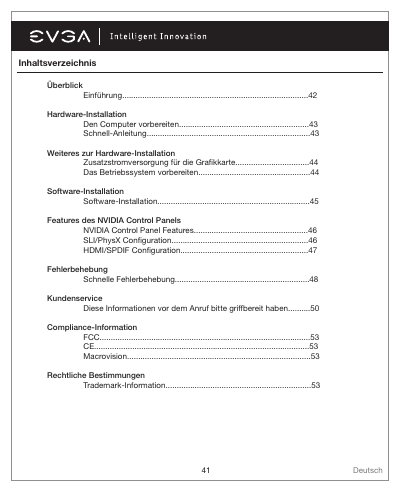
This manual provides step-by-step instructions for installing and configuring an EVGA graphics card. It covers hardware installation, including power requirements and slot compatibility, as well as software installation using the EVGA CD. It also details features of the NVIDIA Control Panel, such as multi-monitor setups and SLI/PhysX configuration. Troubleshooting and customer support information are included for post-installation issues.
The guide is written in German but is intended for users installing EVGA graphics cards with NVIDIA technology, including instructions for Windows operating systems and compatibility with various motherboard types.
It allows setting up multiple screens, including digital or analog displays, and configuring display modes.
Two or more SLI-compatible graphics cards are required to activate SLI mode.
The system or graphics card may be damaged, or the user may get injured.