
This manual provides instructions for installing EVGA graphics cards, including hardware setup, driver installation, NVIDIA Control Panel configuration, and…
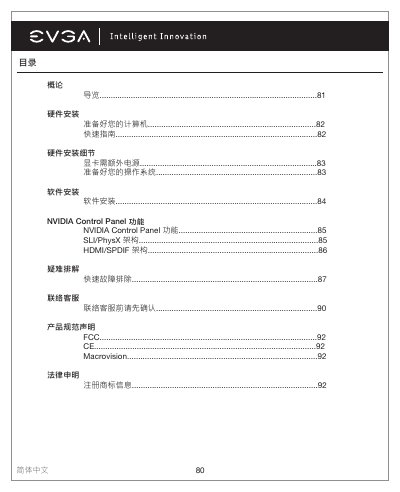
This user manual guides users through the process of installing and setting up EVGA graphics cards. It covers hardware installation steps, such as removing old cards and connecting power, as well as software installation using the included driver disc. The document also explains how to configure the NVIDIA Control Panel for multi-display setups and SLI/PhysX architectures. This manual is written in Chinese.
You can find the latest drivers at http://www.evga.com/support/drivers.
This indicates insufficient power; ensure your graphics card is connected to a 6pin or 8pin PCI-E power cable from the power supply.
This is a warning from the motherboard BIOS indicating the graphics card is not enabled or installed correctly, or lacks power.