
This is a USB multimedia device that allows you to experience high quality television on your personal desktop or laptop. In addition to allowing you to watch and record television and cable broadcasts through the bundled software, inDtube will also allow you to capture video and audio from external sources provided the device has a standard RCA video, S-Video, and 3.5mm stereo audio input.
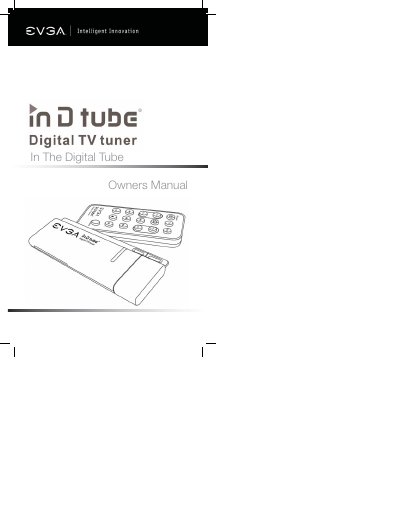
This manual guides users through installing and using the EVGA inDtube, a USB device for watching and recording TV. It covers hardware setup, driver installation, antenna connection, and connecting external sources like cable boxes. The device supports ATSC and NTSC signals and includes a remote control and software for DVR and time-shifting functions.
The manual also details system requirements, troubleshooting tips, and warranty information, including EVGA’s 1+1 Warranty and Advanced RMA Program. Users are encouraged to visit EVGA’s support website for drivers and technical assistance.
| Audio Input | 3.5mm stereo |
|---|---|
| USB Interface | USB 2.0 |
| Supported Video Standards | ATSC (HDTV up to 1080i), NTSC |
| Features | DVR, Time-Shifting, Scheduled Recording, EPG |
Connect the antenna’s MCX output to the inDtube’s MCX input. If using an F-Connector, use the included F-Connector to MCX Adapter. Position the antenna near a window and at a high location for best results. Avoid placing it near a CRT monitor or TV.
It is a USB multimedia device to watch and record television and cable broadcasts, and to capture video and audio from external sources.
A USB 2.0 port and a computer with an Intel Pentium 4 at 2.6 GHz or higher or an AMD Athlon 64 3000+ or higher.
256 MB of RAM is needed for Windows XP.