
User manual for ESTUN M-FC-A01 robot body, covering safety, operation, maintenance and installation procedures.
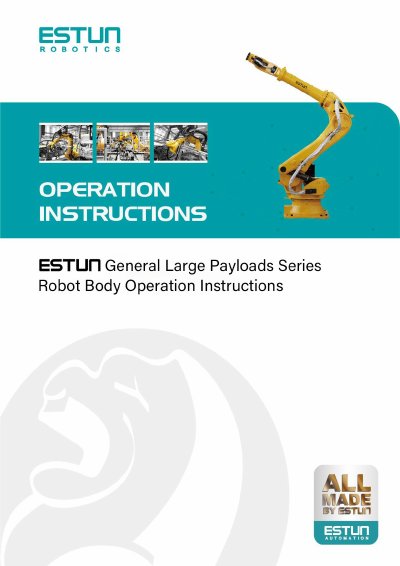
This manual provides safety guidelines, operational instructions, and maintenance procedures for the ESTUN M-FC-A01 robot body. It covers precautions for operators, programmers, and maintenance engineers, including safety zones, emergency stop procedures, and handling of heated or pressurized components. The document also includes detailed safety symbols and definitions for user roles.
The manual emphasizes safe operation practices, such as wearing protective gear, avoiding unauthorized access to the robot’s workspace, and ensuring proper grounding of peripheral equipment. It also outlines steps for initial setup, including speed calibration and safety testing before full operation. This manual is written in Chinese.
Operators must wear safety gear, ensure no one is in the working space, and turn off power before adjusting peripheral equipment. They must also ensure the robot is operated at low speed initially.
Emergency stop buttons must be mounted where easily accessible and pressed immediately in emergencies. Pressing the button cuts power to the robot (except servo) and requires releasing the button and turning the system back on to resume operation.