
This manual provides operation instructions for the ESTUN E21 numerical control device, covering programming methods, parameter settings, and troubleshooting.
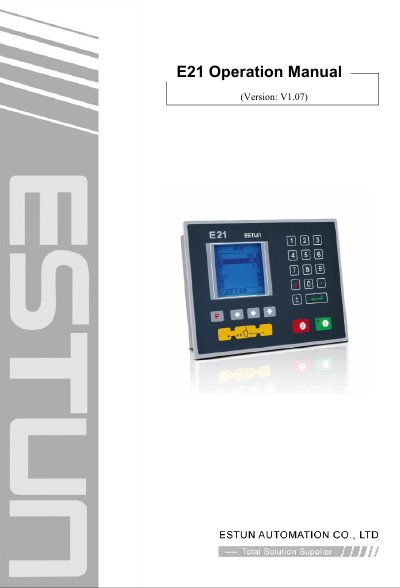
The ESTUN E21 is a press brake machine dedicated numerical control device designed to ensure work precision while reducing costs. It features intelligent positioning control, unilateral and bidirectional positioning to eliminate spindle clearance, retract functions, automatic reference searching, and power-off protection. The system supports 40 programs with 25 steps each.
| Display Type | 160*160 dot matrix LCD displayer |
|---|---|
| Program Storage Space | 40 programs, each program has 25 steps |
Do not enter the RUN page or Manual page unless you have reset the teach function of the axis.
Enter the programming constant page and then select the Alarm history page to view the latest 6 alarms.
Check for errors in power supply wiring terminals, low source voltage, or poor connector connections.