
This is the user manual for the Elo 1537L Touch Display, covering installation, operation, technical support, safety, and warranty information.
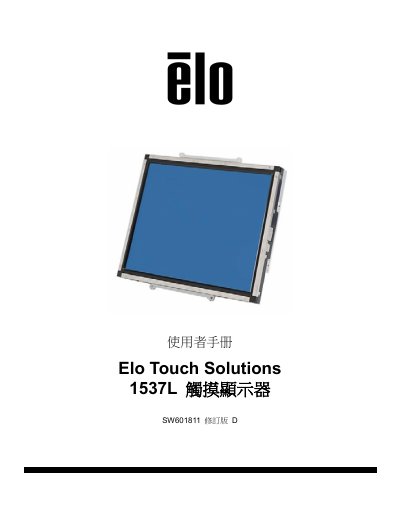
This document is the user manual for the Elo 1537L Touch Display (Model SW601811). It provides instructions on setting up the device, including unpacking, connecting cables, and installing the necessary touch driver software. The manual also covers operating the display using the On-Screen Display (OSD) controls. This manual is written in Chinese.
| Display Type | 15-inch Color Active Matrix TFT |
|---|---|
| Maximum Resolution | XGA 1024 x 768 |
| Input Voltage | 100 - 240V AC, 50/60Hz |
| Output Voltage | 12V DC, min 4.16A |
| Operating Temperature | 0°C - 40°C |
| Operating Humidity | 20% to 80% (no condensation) |
| Altitude | 0 to 3,048m |
The package includes the touch display, user manual CD, quick installation guide, video cable, USB cable, serial cable, and mounting bracket.
The touch driver software can be downloaded from the Elo Touch Solutions website.
The maximum resolution is XGA 1024 x 768.