
The Elo I Series 2.0 User Manual provides setup, operation, maintenance, and support information for the interactive signage system.
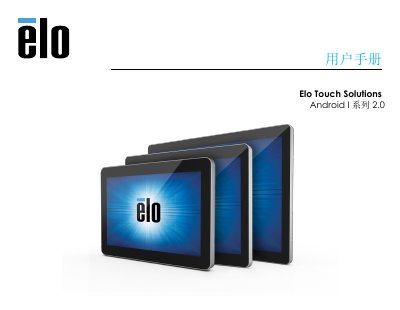
This manual introduces the Elo I Series 2.0 interactive signage system, describing its hardware features such as PCAP touch screen, Micro HDMI output, LAN/Wi‑Fi/Bluetooth connectivity, and optional accessories. It guides users through unpacking, connecting power, installing optional PoE adapters, and configuring the device for kiosk mode.
The document also covers power specifications, environmental operating limits, regulatory RoHS compliance, and warranty information. Technical support contacts and links to detailed specifications on the Elo website are provided for further assistance. This manual is written in Chinese.
| 15.6‑inch model power rating | 100‑240 VAC, 50‑60 Hz, 2.0 A |
|---|---|
| 21.5‑inch model power rating | 100‑240 VAC, 50‑60 Hz, 2.5 A |
| Input voltage | 110/240 VAC |
| Operating humidity range | 20 % – 80 % (non‑condensing) |
Connect the DC power source; the system powers on automatically. Press and hold the power button to access shutdown options.
The 15.6‑inch model requires 100‑240 VAC, 50‑60 Hz input and draws 2.0 A.