
This manual covers the setup, installation, network configuration, system settings, and maintenance for the Elo I Series 4.0 interactive signage system.
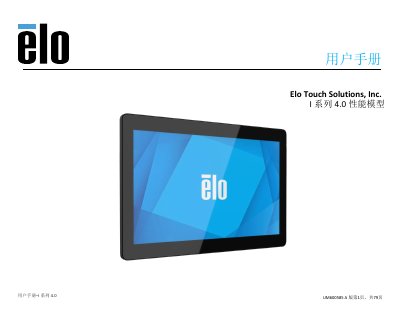
The Elo I Series 4.0 is an Android-based interactive signage system that combines reliable performance with advanced touchscreen technology. This user manual provides instructions for the UM6005 model, covering product description, specifications, and functional features including camera applications and GPIO support.
The guide details the installation process, including unpacking verification and wall mounting using VESA standards. It also explains how to operate the device, manage power states via LED indicators, configure network settings (Wi-Fi and PoE), adjust display preferences, and perform system maintenance or factory resets. This manual is written in Chinese.
| Operating System | Android 10 |
|---|---|
| Processor | Rockchip RK3399 |
| Memory | 4GB RAM, 32GB NAND Flash |
| Touch Screen | Capacitive, up to 10-point touch |
| Camera Resolution | 5MP (2592x1944) |
| Wi-Fi Standard | IEEE 802.11a/b/g/n/ac + Bluetooth 5.0 |
| Microphone | Analog Microphone |
Press and release the power key for 500 milliseconds to open the system.
A flashing white light indicates that the system is in idle mode (sleep/standby).
Hold the power key for 12 seconds to force the system to turn off.
The device supports microSD cards with a maximum capacity of 128GB.