
This user guide covers installation, setup, operation, and troubleshooting for the Elo 2200L 22-inch LCD touch monitor featuring Acoustic Pulse Recognition…
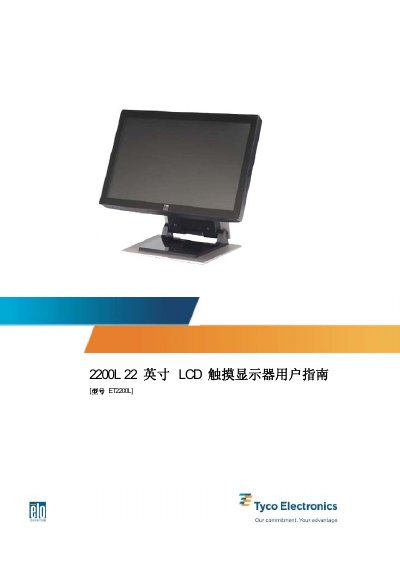
The Elo 2200L is a 22-inch LCD touch monitor designed for point-of-sale (POS), digital signage, and kiosk applications. It utilizes Acoustic Pulse Recognition (APR) technology for touch input and features a zero-corner design with a seamless glass surface for easy cleaning and optimal optical quality. The device supports both AC and DC power inputs and includes built-in speakers.
This manual provides instructions on unpacking the unit, connecting cables (VGA, DVI-D, USB, serial, audio), and installing the TouchTools or APR drivers. It also details how to adjust the display using the On-Screen Display (OSD) menu, select preset video modes, and perform basic troubleshooting. Technical specifications and warranty information are included in the appendices. This manual is written in Chinese.
| Panel Type | 22" TFT Active Matrix |
|---|---|
| Resolution | 1680 x 1050 (Native) |
| Contrast Ratio | 1000:1 (Typical) |
| Brightness | 270 cd/m2 (Typical) |
| Response Time | 5 ms (Typical) |
The native resolution is 1680 x 1050.
Yes, it supports DVI-D video input, though this feature is not available in European and Asian models.
The warranty period for the touch monitor and its components is 3 years.