
This owner's manual provides instructions for the setup, operation, maintenance, and troubleshooting of the EIKI LC-XB40 multimedia projector.
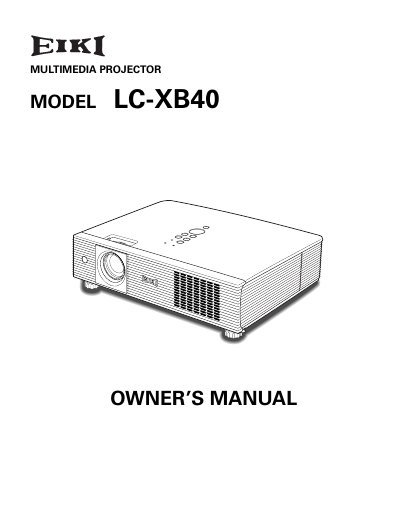
The EIKI LC-XB40 is a compact multimedia projector designed for portability and ease of use. It supports various video and computer input signals, including RGB, S-Video, and Component video, and features a 360-degree projection capability. The device utilizes matrix LCD technology with a palette of 16.77 million colors and includes useful functions such as digital zoom, blackboard projection, and power management.
| Display Technology | Matrix liquid crystal display (LCD) |
|---|---|
| Color Palette | 16.77 million colors |
| Menu Languages | 16 languages |
| RGB Inputs | 2 Inputs |
| Video Compatibility | PAL, SECAM, NTSC, NTSC4.43, PAL-M, PAL-N |
Yes, blackboards can be used as a projection screen, though the board color is limited to Green.
The digital zoom function allows you to focus on crucial information during a presentation.
Yes, the projector is capable of 360-degree projection, but some restrictions apply.