
Owner's manual for the EIKI LC-WB40N multimedia projector, covering setup, connections, operation, menu settings, maintenance, and troubleshooting.
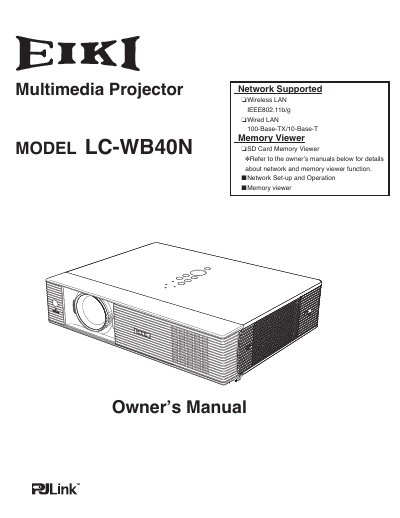
The EIKI LC-WB40N is a multimedia projector. According to the manual, it uses matrix LCD technology and a palette of 16.77 million colors, accepts computer signals up to UXGA, and supports wireless LAN IEEE802.11b/g, wired LAN 100-Base-TX/10-Base-T, and SD card memory viewer functions.
This owner's manual covers the projector's parts and functions, installation and connections, basic operation, computer and video input, settings, the antitheft alarm function, maintenance and cleaning, and troubleshooting. It also includes safety instructions, a menu tree, compatible computer specifications, technical specifications, and dimensions.
| Color palette | 16.77 million colors |
|---|---|
| Display technology | Matrix liquid crystal display (LCD) |
| Maximum computer resolution | UXGA |
| Projection angle | 360-degree projection |
| Wireless LAN | IEEE802.11b/g |
| Wired LAN | 100-Base-TX/10-Base-T |
| Menu languages | 16 languages |
| Memory viewer media | SD card memory |
The manual lists wireless LAN IEEE802.11b/g and wired LAN 100-Base-TX/10-Base-T.
The operation menu is available in 16 languages.
Yes. The manual states that the projector is capable of 360-degree projection, with some restriction noted on page 8.
The manual advises reading it again, checking operations and cable connections, and trying the Troubleshooting section.