
Quick installation guide for the Edimax HP-5001 PowerLine Ethernet Adapter, covering package contents, installation steps, and safety instructions.
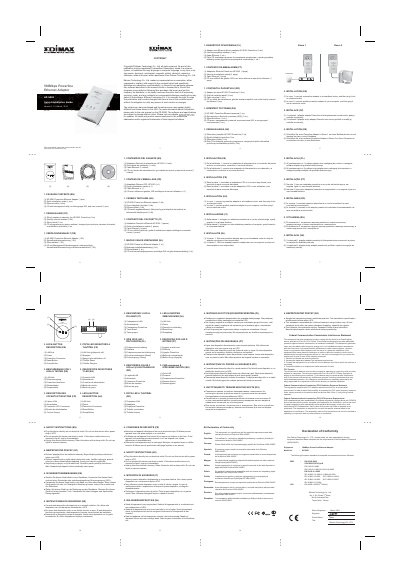
This quick installation guide is for the Edimax HP-5001 PowerLine Ethernet Adapter. It lists the package contents, describes connecting one adapter to a broadband router and another to a computer, and provides safety instructions.
The guide also includes copyright information, FCC interference and RF exposure statements, and notes that the product and setup screen may appear slightly different from those shown.
The package includes one HP-5001 PowerLine Ethernet Adapter, one quick installation guide, one Ethernet cable, and one CD with management utility, multi-language QIG, and user manual.
Connect one adapter to a broadband router in room 1 and plug it into an electrical outlet; connect another adapter to a computer in room 2 and plug it into an electrical outlet.
No, the device should be plugged directly into an electrical outlet.