
User manual for the DL61C LED display driver board covering installation, operation, and configuration.
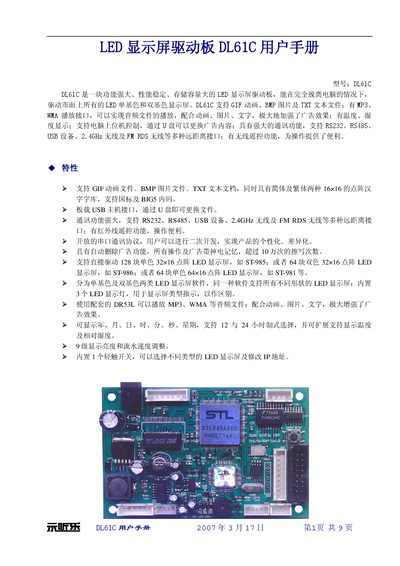
The DL61C is a compact LED display driver board (100×63 mm) that can operate independently of a computer to drive single‑color and dual‑color LED panels. It supports GIF, BMP, and TXT files, audio playback via MP3/WMA, temperature and humidity display, and multiple communication interfaces such as RS232, RS485, USB, 2.4 GHz wireless and FM RDS.
The manual explains menu navigation, display and time adjustments, font selection, loop modes, system settings, remote‑control functions, upgrade procedures, connector functions, electrical specifications, and tips for managing advertisement files on a USB drive. This manual is written in Chinese.
| Physical size | 100 mm × 63 mm |
|---|---|
| Power supply voltage | +8 V to +40 V |
| Operating current | 50 mA @ +12 V (excluding LED panels) |
| Operating temperature range | 0 °C to +85 °C |
| Brightness levels | 9 levels |
| Flow speed levels | 9 levels |
Use the menu to select “显示调整” and set the brightness level from 1 to 9.
The board operates with an input voltage between +8 V and +40 V.