
The Ethernet-SPI ID04000012 Pixel Light Controller User Manual provides operating instructions, wiring diagrams, safety warnings, and parameter settings.
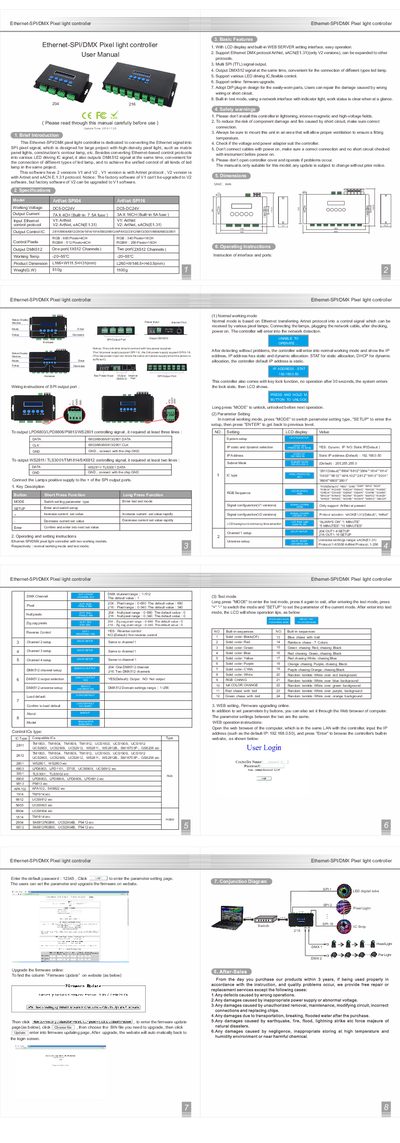
The Ethernet‑SPI ID04000012 is a pixel‑light controller that converts Ethernet signals to SPI pixel signals and can also output DMX512. It supports multiple LED driving ICs and offers both normal and test operating modes, with an LCD display and built‑in web server for easy configuration.
The manual covers safety precautions, wiring of SPI and DMX ports, parameter setting via buttons or web interface, firmware upgrade procedures, and detailed specifications such as power supply requirements, supported protocols (ArtNet, sACN E1.31), and environmental limits.
| Working Voltage | DC5‑DC24V |
|---|---|
| Maximum Output Current (4‑CH version) | 7 A |
| Maximum Output Current (16‑CH version) | 3 A |
| Dimensions (4‑CH version) | L166×W1 11.5×H31 mm |
| Default IP Address | 192.168.0.50 |
| Supported Ethernet Protocols | ArtNet, sACN (E1.31) |
| Supported LED Driving ICs | Various (e.g., LPD6803, WS2812, APA102, etc.) |
| Number of SPI Channels | 4 CH or 16 CH |
Press and hold the MODE button to unlock the controller.
Do not install in lightning, intense magnetic or high‑voltage fields, ensure correct wiring, provide ventilation, and verify power before connecting.