
This manual provides safety information, setup, paper loading, printing settings, maintenance, and troubleshooting for the Dell B5460dn laser printer.
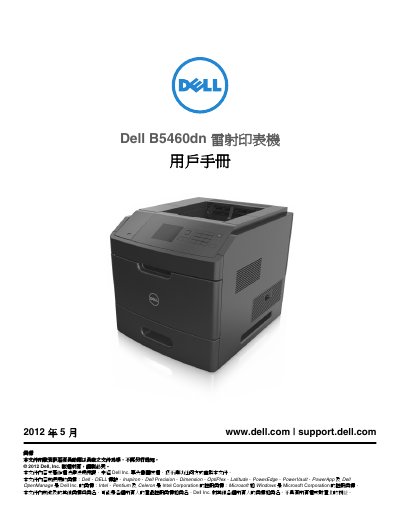
The Dell B5460dn User Manual guides users through safe operation, installation, and configuration of the laser printer. It includes safety precautions, hardware setup, network connection, and detailed instructions for loading paper and media.
Additional sections cover printing functions, adjusting toner density, managing confidential jobs, and comprehensive maintenance and troubleshooting procedures to keep the printer running reliably. This manual is written in Chinese.
| Width (right side) | 305 mm (12 in) |
|---|---|
| Depth (front) | 508 mm (20 in) |
| Height (top) | 115 mm (4.5 in) |
| Weight | over 18 kg (40 lb) |
| Standard paper tray capacity | 550 sheets |
| Optional high‑capacity tray | 2100 sheets |