
The Dell 1130 and 1130n printer user manual provides safety information, setup, printing, maintenance, and troubleshooting instructions.
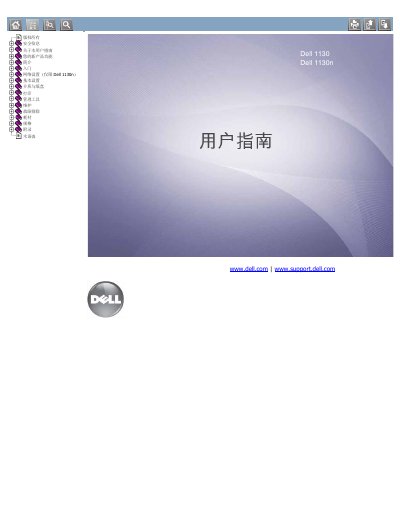
This guide covers safety precautions, network configuration for the 1130n model, basic printer settings, media handling, and printing procedures. It also explains how to use management tools, replace consumables, and understand the printer specifications.
Additional sections describe routine maintenance, troubleshooting steps for common issues, and detailed specifications for supported media types and operating system compatibility. The manual includes an appendix and a glossary of terms used throughout the document. This manual is written in Chinese.
| Supported Media Types | Plain paper, envelopes, labels, transparencies |
|---|---|
| Operating System Compatibility | Windows, Macintosh, Linux |
Use the Embedded Web Service and the SetIP utility to configure network parameters for the Dell 1130n.
Do not touch hot areas, keep the printer away from dust, moisture or water, and unplug it before cleaning or maintenance.