
Guide for Dell Venue 7 3741 tablet covering setup, flashing, BIOS disabling, rooting, kernel building, and unbricking.
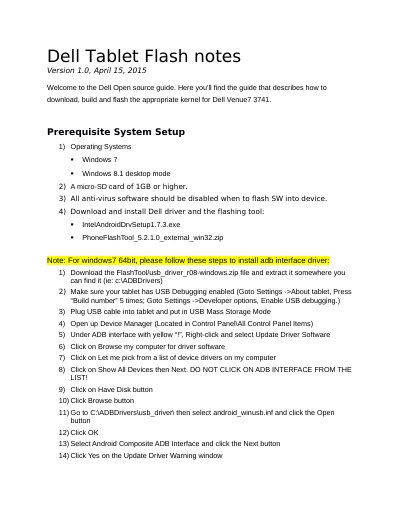
This open‑source guide explains how to prepare a Windows PC, install required drivers, and use the Dell Flash Tool to flash the A124 image, disable BIOS signature checking, and install a custom kernel on a Dell Venue 7 3741 tablet. It also details how to root the device via an OTA package or by building the kernel from source, and provides steps to recover a bricked tablet.
The document lists prerequisite hardware (micro‑SD card ≥1 GB, Windows 7/8.1), driver installation procedures, fastboot commands, and required files for each stage. It includes command‑line examples for extracting the kernel source, building the image, and flashing it with fastboot, as well as troubleshooting tips for common issues.
| Micro‑SD Card Requirement | 1 GB or higher |
|---|---|
| Supported Host Operating Systems | Windows 7, Windows 8.1 |
Press the power button together with the volume‑down button to enter fastboot mode.
Flash the boot_eng.img file first, then run flashbios.bat to flash the special BIOS.
Re‑flash the A124 image using the Flash Tool as described in the “Flash A124 image to the tablet” section.