
This manual provides setup, configuration, and troubleshooting instructions for the D-Link R32 AX3200 Smart Router, covering Wi-Fi 6 features and voice…
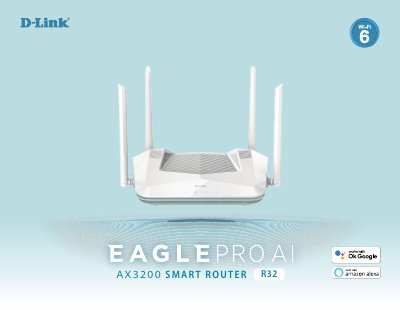
This document is the user manual for the D-Link R32 AX3200 Smart Router. It details the product overview, package contents, and system requirements necessary for initial setup. The guide explains how to install the hardware and connect to the network using the included Ethernet cable and power adapter. This manual is written in Chinese.
| Wireless Interface (2.4 GHz) | IEEE 802.11n/g/b |
|---|---|
| Wireless Interface (5 GHz) | IEEE 802.11ax/ac/n/a |
| WAN Port Speed | 10/100/1000 Mbps |
| LAN Port Speed | 10/100/1000 Mbps |
| Power Input | 100 to 240 V AC, 50 / 60 Hz |
| Power Output | 12 V, 2A |
| Operating Temperature | 0 to 40 °C (32 to 104 °F) |
| Dimensions | 228.3 x 159.0 x 61.9mm |
The device automatically switches to a power-saving Network Standby mode within 1 minute of no packets being transmitted, consuming 6.55W.
Press the Reset button with a paperclip until the power indicator turns orange to reset your device.
The router supports integrated voice assistant compatibility with Amazon Alexa and Google Assistant.