
D-Link DVG-N5402SP VoIP Router Quick Installation Guide covering package contents, panel indicators, hardware installation, and web-based configuration.
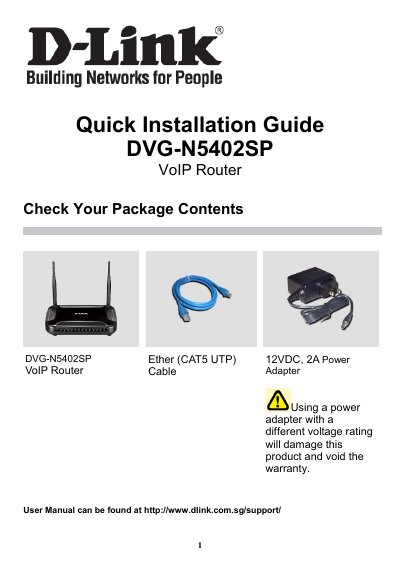
This Quick Installation Guide is for the D-Link DVG-N5402SP VoIP Router. It lists the package contents and describes the front panel LEDs and rear panel ports, including the antenna, phone ports, USB, LAN, WAN, and power receptor.
The guide explains how to install the hardware and connect the router to a computer, broadband modem, and telephone. It also covers accessing the web-based configuration utility at http://192.168.0.1 with the default login admin/password, and setting up the wireless SSID, channel, 802.11 mode, and security.
| Power adapter | 12VDC, 2A |
|---|---|
| USB port | USB host 2.0 |
| Default IP address | 192.168.0.1 |
| Default login | admin / password |
| Wireless security modes | None, WEP, WPA only, WPA2 only or WPA/WPA2 Mixed |
The default username and password are admin and password.
The default wireless SSID is “DVG-N5402SP-XXXXXX”, where XXXXXX is the last 6 digits of the MAC address below the device.
You can select None, WEP, WPA only, WPA2 only, or WPA/WPA2 Mixed.