
User manual for D-Link DSN-6110 IP SAN storage, covering installation, configuration, RAID, iSCSI, snapshots, and advanced operations.
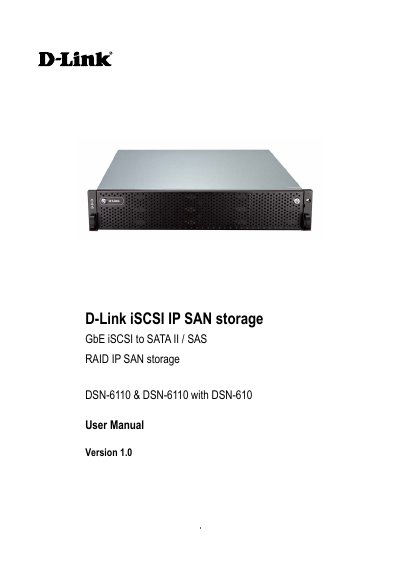
This user manual guides users through installing, configuring, and managing the D-Link DSN-6110 IP SAN storage system. It covers RAID concepts, iSCSI setup, volume creation, snapshot management, and advanced features like replication and dual-controller support. The manual is designed for IT professionals and system administrators managing storage in small to medium businesses or enterprise environments.
The DSN-6110 supports RAID levels 0, 1, 0+1, 3, 5, 6, 10, 30, 50, 60, and JBOD, with snapshot capabilities for point-in-time data replication. It features 4 x iSCSI GbE ports and can be upgraded to dual-controller mode with the DSN-6110w/DSN-610 configuration. The system includes a web UI, serial console, and remote control for management. This manual is written in Chinese.
| Host Interface | 4 x iSCSI GbE ports (DSN-6110) |
|---|---|
| Drive Interface | 12 x SAS or SATA II RAID Controllers |
| RAID Levels | RAID 0, 1, 0+1, 3, 5, 6, 10, 30, 50, 60 and JBOD |
| Snapshot | Up to 32 snapshots per logical volume |
| Power Supply | 2 x 500W PSU |
It supports RAID 0, 1, 0+1, 3, 5, 6, 10, 30, 50, 60, and JBOD.
Yes, it can be upgraded to dual-controller mode with the DSN-6110w/DSN-610 configuration.
Up to 32 snapshots can be created for one logical volume.
It has 2 x 500W PSU.