
This manual covers the installation, configuration, and advanced operations for D-Link DSN-6110 and DSN-6120 IP SAN storage devices.
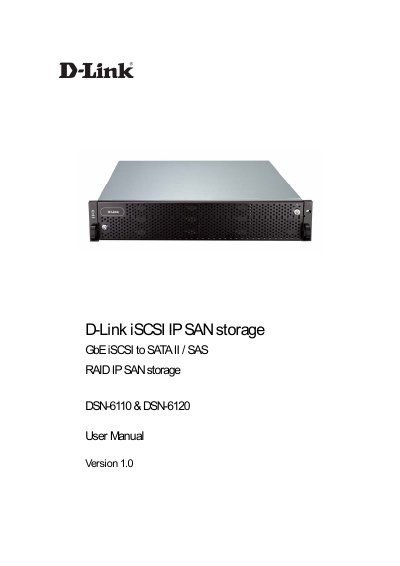
The D-Link DSN-6110 and DSN-6120 are IP SAN storage devices designed to provide high-performance data storage solutions using iSCSI interfaces. The DSN-6120 features dual controllers for enhanced reliability and features like dual-active and cache mirroring, while the DSN-6110 offers a single controller that can be upgraded to dual mode. Both models support various RAID levels, including RAID 6, to ensure data protection and availability.
| Host Interface (DSN-6120) | 8 x iSCSI GbE ports |
|---|---|
| Host Interface (DSN-6110) | 4 x iSCSI GbE ports |
| Drive Interface | 12 x SAS or SATA II |
| RAID Controllers | Single controller, can be upgradable to dual (DSN-6110) |
| RAID Controllers (DSN-6120) | Dual-active RAID controllers |
| Dimensions | 442.8 x 500.6 x 88.0 (mm) |
| Power Supply | 2 x 500W PSU |
| Cache Protection | Hot pluggable battery backup module |
| Fan | Redundant |
The DSN-6120 has dual controllers supporting features like dual-active and cache mirroring, while the DSN-6110 has a single controller that can be upgraded to dual mode.
Yes, the DSN-6110 is a single controller model that can be upgradable to dual mode.
The devices support RAID 0, 1, 0+1, 3, 5, 6, 10, 30, 50, 60, and JBOD N-way mirror.