
User guide for D-Link DIR-868L router covering setup, admin login, WAN/LAN, wireless, port forwarding, firewall, parental control, and DDNS.
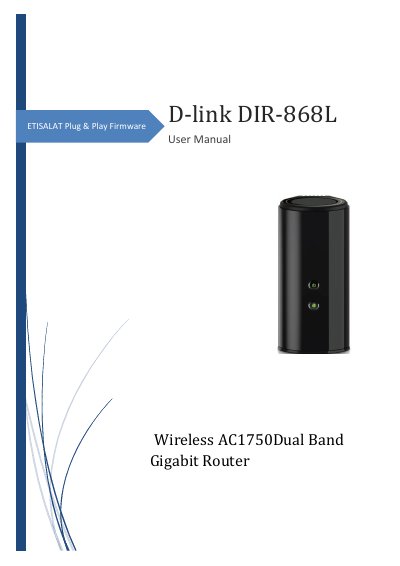
This manual guides users through configuring the D-Link DIR-868L router, including admin login, network settings, wireless configuration, and security features. It covers WAN and LAN setup, port forwarding, firewall rules, parental controls, and Dynamic DNS. The router supports ETISALAT Plug & Play firmware and includes default login credentials for initial access.
The document also details browser and OS compatibility, hardware connections, and how to reset or restore firmware. It provides step-by-step instructions for configuring wireless SSIDs, security, and custom services for advanced users.
The default IP address is http://192.168.1.1.
Use the default username and password mentioned on the sticker at the back of the router. If none is mentioned, use 'admin' for both.
Go to Network » WAN » WAN IPv4 Configuration and select 'Auto via ACS' for ETISALAT Plug & Play connection.
Go to Security » Firewall » Port Forwarding and click 'Add New Port Forwarding Rule'.