
This manual provides setup, configuration, and troubleshooting instructions for the D-Link DIR-842 AC1200 Wi-Fi Gigabit Router.
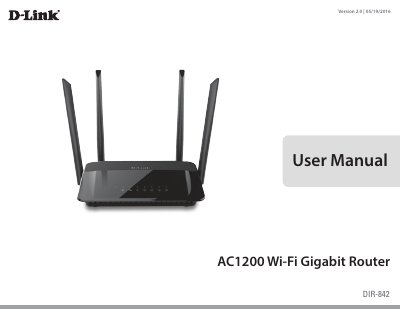
The D-Link DIR-842 is an IEEE 802.11ac compliant Wi-Fi Gigabit Router designed for homes and small offices. It delivers up to 3x faster speeds than 802.11n while maintaining backward compatibility with 802.11n/g/b/a devices. The device features four external antennas for superior wireless coverage and includes a 4-port 10/100/1000 Gigabit Ethernet switch for wired connections. This manual is written in Chinese.
| Wireless Interface (2.4 GHz) | IEEE 802.11b/g/n |
|---|---|
| Wireless Interface (5 GHz) | IEEE 802.11ac/n/ac |
| LAN Interface | Four 10/100/1000 Mbps Gigabit Ethernet LAN ports |
| WAN Interface | One 10/100/100 Mbps Gigabit Ethernet WAN port |
| Operating Voltage | 100~240 V AC, 50~60 Hz |
| Operating Temperature | 32 ~ 104 oF (0 ~ 40 oC) |
| Operating Humidity | 10% - 90% non-condensing |
| Wireless Security | WPA/WPA2-Personal and WPS (PIN & PBC) |
| Dimensions | 189.94 x 132.97 x 38.1 mm |
| Weight | 288 g (9.28 oz) |
You need a computer with Windows, Macintosh, or Linux, and a browser such as Internet Explorer 9+, Firefox 20+, Safari 5.1+, or Chrome 25+.
Press the Reset Button located at the bottom of the device for 8 seconds.
The maximum wireless speed for the 5 GHz band is up to 867 Mbps.