
User manual for the D-Link DHP-308AV/DHP-309AV PowerLine AV Mini Adapter, covering installation, security, troubleshooting, and specifications.
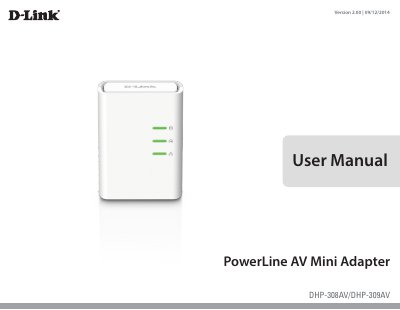
This manual describes the D-Link DHP-308AV/DHP-309AV PowerLine AV Mini Adapter, including package contents, system requirements, features, hardware overview, installation, push-button security, and troubleshooting.
It also covers LED meanings, power saving mode, powerline installation considerations, safety instructions, and technical specifications such as network ports, AC input, standards, EMC, safety, encryption, temperature, humidity, and network standby power.
| Network Ports | One Ethernet port |
|---|---|
| AC Input | 100-240V, 50/60Hz, 0.1A |
| Standard | Compatible with IEEE1901 and Homeplug AV |
| EMC | CE Class B / FCC |
| Safety | CE LVD / UL |
| Encryption | 128-bit AES |
| Storage Temperature | -10°C ~ 70°C |
| Humidity | Operation: 10% ~ 90% RH; Storage: 5% ~ 90% RH |
| Network Standby Power | 2.22 watts |
| Data Transfer Rate | Up to 200 Mbps |
The DHP-308AV package includes the D-Link DHP-308AV PowerLine AV Mini Adapter, an Ethernet cable, a CD-ROM with the user manual, and a Quick Install Guide.
Windows 7, Windows Vista, and Windows XP with Service Pack 3 are supported.
Plug in all adapters, press the Simple Connect button on the first adapter for no more than three seconds, then press the button on the second adapter within two minutes.
It turns on automatically when Ethernet link activity has been down for 5 minutes.