
Quick installation guide for the D-Link DCS-7413 Full HD Day & Night Outdoor Network Camera covering hardware overview, SD card installation, mounting, and…
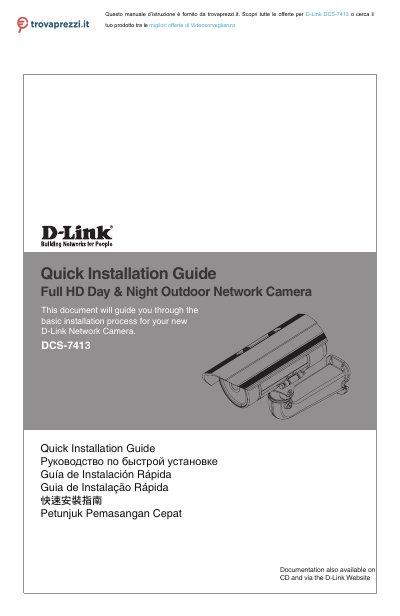
The D-Link DCS-7413 is a Full HD day and night outdoor network camera. This quick installation guide provides basic steps for hardware setup, including package contents verification, hardware overview, SD card installation, mounting instructions, and power and network connections.
The guide also covers configuration using the Setup Wizard on the included CD, which helps assign an IP address (DHCP or static 192.168.0.20), set admin credentials (default admin with blank password), and access the camera's web interface for live video viewing. Technical support contacts for various regions are listed at the end.
| Network Interface | RJ-45 Ethernet with PoE support |
|---|---|
| Video Output | BNC Analog |
| I/O Connectors | DI/DO Wiring with 12V DC output |
| Storage | SD Card Slot |
| Default Static IP | 192.168.0.20 |
| Default Admin Credentials | Username: admin, Password: blank |
The default static IP address is 192.168.0.20.
The default admin ID is 'admin' with the password left blank.
Push the SD card into the camera with the gold contacts oriented towards the base of the camera.