
Quick start guide for the Creative Sound Blaster X5 SB1820 sound card and headphone amplifier.
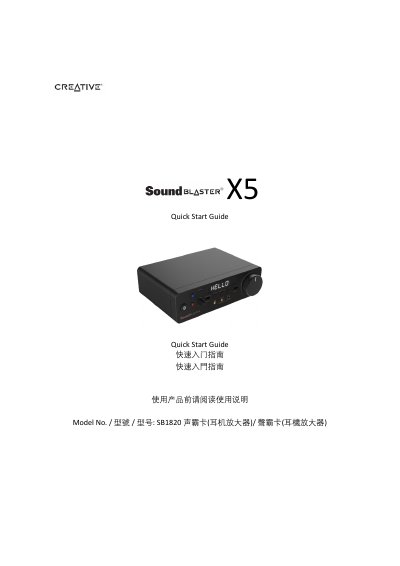
This quick start guide covers the controls, connections, software download, technical specifications, registration, warranty, and compliance information for the Creative Sound Blaster X5 (model SB1820).
It describes the front-panel buttons, knobs, switches, jacks, USB, optical, and line inputs and outputs, plus Bluetooth pairing, BLE app connection, and master reset procedures.
| Bluetooth Version | Bluetooth 5.0 |
|---|---|
| Maximum RF Output Power | 4 dBm |
| Operating RF range | 2402–2480 MHz |
| Supported Bluetooth Profiles | A2DP (Wireless Stereo Bluetooth), AVRCP (Bluetooth Remote Control) |
| Input | 5V 1A Max |
| Operating Temperature | 45°C |
Download the software and its user manual at creative.com/support/SBX5.
Long press both the Bluetooth and Display buttons for 5 seconds to trigger a master reset.
The balanced headphone output has higher priority, and the unbalanced output is muted.
The compliance marking is located at the bottom of the product.