
Quick start guide for the Corsair K70 LUX mechanical keyboard, covering setup, controls, and software download.
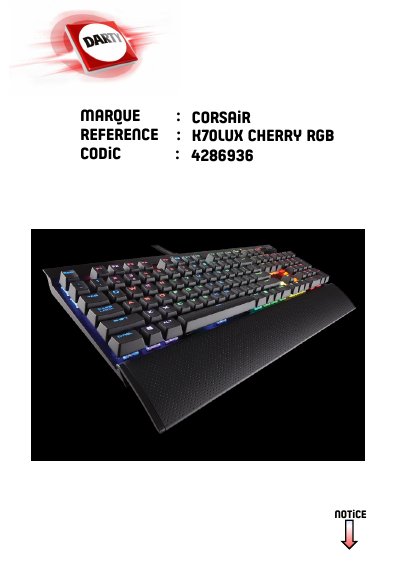
This quick start guide introduces the Corsair K70 LUX keyboard's controls and connections, including backlight brightness, Windows key disable, dedicated multimedia keys, mute, volume roller, detachable wrist rest, USB pass-through port, BIOS mode switch with polling rate selector, and two USB connection cables.
Setup consists of turning on the computer, connecting the keyboard to one USB port, downloading software from www.corsair.com/downloads, running the installer program, and following the installation instructions.
Connect the keyboard to one USB port.
Download the software from www.corsair.com/downloads.
The package includes two USB connection cables.