
Installation guide for the Corsair Crystal Series 460X Tempered Glass, Compact-ATX Mid-Tower PC Case, covering setup, features, and FAQs.
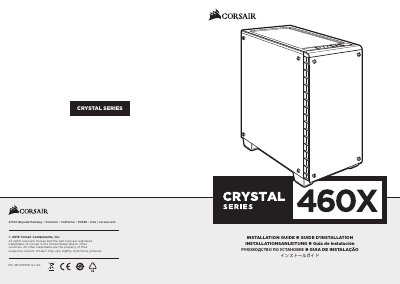
This document is the installation guide for the Corsair Crystal Series 460X, a compact ATX mid-tower PC case featuring tempered glass side and front panels. It provides instructions for removing side panels, installing the motherboard, drives (HDD/SSD), power supply, and expansion cards, as well as connecting front I/O and using the RGB fan controller.
| Length | 440mm |
|---|---|
| Width | 220mm |
| Height | 464mm |
| Maximum GPU length | 370mm |
| Maximum CPU cooler height | 170mm |
| Maximum PSU length | 200mm |
| Front fan locations | 2 x 140/3 x 120mm |
| Top fan locations | 2 x 140/120mm |
| Rear fan location | 120mm |
No, only the LED headers require specific polarity.
Please go to corsair.force.com and request an RMA so that we can replace the damaged part(s).