
The Corsair SPEC-ALPHA6 Gaming Case Installation Guide provides step‑by‑step instructions, specifications, and FAQs for assembling the mid‑tower case.
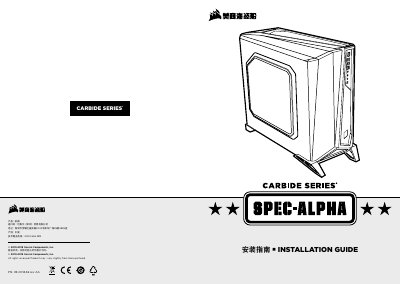
This guide covers the SPEC‑ALPHA6 mid‑tower gaming case specifications, accessory kit contents, and key features such as USB 3.0 support, a 3‑speed fan controller, and a windowed side panel. It also lists dimensions, weight, and maximum component clearances.
The document walks you through removing side panels, installing the motherboard, PCI‑E/PCI cards, power supply, drives, and front I/O connectors, and includes a FAQ section that answers common assembly questions and support contacts. This manual is written in Chinese.
| Length | 518 mm |
|---|---|
| Width | 220 mm |
| Height | 474 mm |
| Weight | 6.2 kg |
| Maximum GPU Length | 380 mm |
| Maximum CPU Cooler Height | 156 mm |
| Maximum PSU Length | 190 mm |