
User manual for the COMICA CVM-V30 LITE super-cardioid condenser microphone, with camera and smartphone setup, parts and specifications.
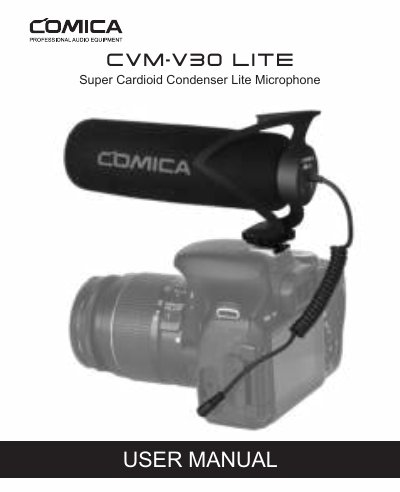
The COMICA CVM-V30 LITE is a super-cardioid condenser microphone that can be used with a camera or a smartphone. The manual describes its interference tube, shock mount, cold-shoe bracket with 1/4 screw hole, locking screw and smartphone/camera switch, and notes that it uses a no battery drive design.
Installation steps show how to attach the cold-shoe bracket to a camera, connect the 3.5mm audio output line and set the switch to the camera mark, or mount the microphone on an accessory with a cold-shoe interface for smartphone use. The notice section covers using a separate audio cable adapter with phones and avoiding heat, interference, falls and moisture. Technical parameters are listed on the last pages.
| Polar pattern | Super-cardioid |
|---|---|
| Frequency response | 40Hz~20KHz |
| Sensitivity | -34dB±3dB |
| Dimensions | 160*50.8*86mm |
| Power | No battery drive |
It supports both smartphone and camera use.
No, it is designed with a no battery drive design.
Set the smartphone/camera switch to the left camera mark.
The listed frequency response range is 40Hz to 20KHz.