
User manual for the Comica VDLive10, covering features, components, pairing, and operation of the 2.4G wireless microphone system.
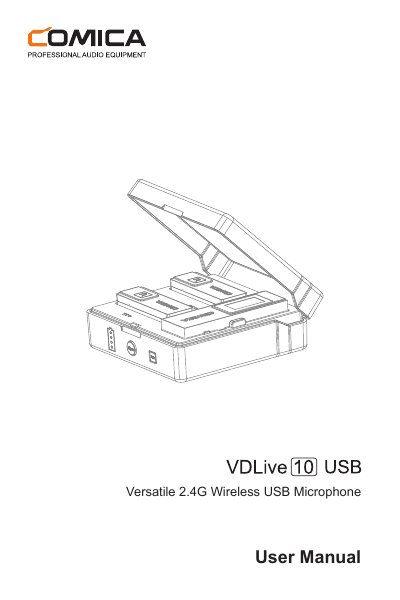
This manual provides instructions for the Comica VDLive10, a versatile 2.4G wireless USB microphone system featuring dual-channel transmission and intelligent noise reduction. The device supports both simplex and duplex modes for two-way monitoring and interaction, compatible with phones, computers, and cameras.
| Transmission Mode | Dual-channel 2.4G Wireless |
|---|---|
| Working Distance | Up to 50m |
| Latency | <20ms |
| Output Modes | 3.5mm Analog and USB Digital |
| Transmission Modes | Simplex / Duplex |
Place both devices into the charging case and long press the pairing button.
A solid orange light means the device is paired, while a flashing orange light means it is unpaired.
Simplex mode transmits audio unidirectionally for monitoring in the receiver, while Duplex mode allows two-way transmission with monitoring in both devices.