
This user manual provides installation, usage, and safety instructions for the Comica CVM-VS09 TC smartphone microphone with a Type-C interface.
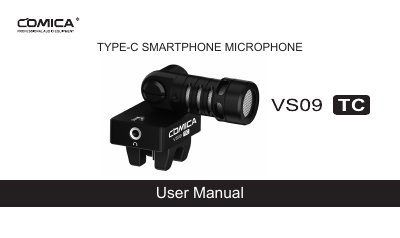
The Comica CVM-VS09 TC is a cardioid directional smartphone microphone designed for devices with a Type-C interface. Key features include a super-shield low-noise design, 180-degree rotation, an LED working indicator, and audio monitoring capabilities via a 3.5mm earphone connector. The manual details how to install the windscreen, attach the microphone to the phone, and utilize the muting function.
| Directionality | Cardioid |
|---|---|
| Interface | TYPE-C |
| Frequency Response | 60Hz~20kHz |
| Output Interface | TYPE-C USB2.0 |
| Monitoring Interface | 3.5mm |
| Sampling Rate | 48kHz/44.1kHz |
| Operating System | Android 5.0 or above |
| Dimensions | 38x71x53mm |
It is designed for phones with a TYPE-C interface.
Yes, by putting an earphone into the Monitor Connector, though compatibility depends on the Android system.
The frequency response ranges from 60Hz to 20kHz.