
Cisco WAP581 2.5GbE Wireless Access Point Quick Start Guide

This Russian quick start guide covers installation, mounting, and initial configuration for the Cisco WAP581 2.5GbE dual-band wireless access point.
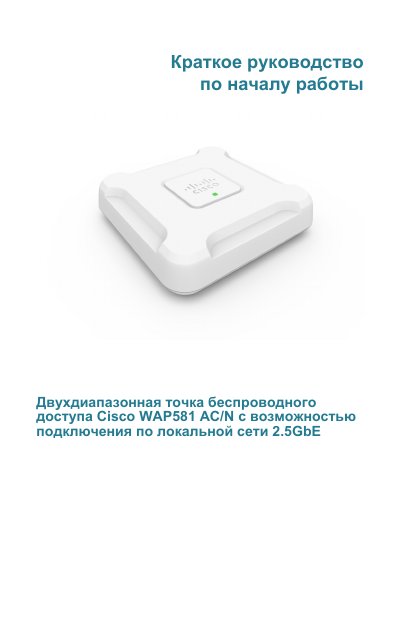

Cisco WAP581 2.5GbE Wireless Access Point Quick Start Guide - cover page
Brand
Cisco
Document type
Quick Start Guide
Language
Russian
Pages
15
File format
PDF
File size
428 KB
Published
20 November, 2026
Updated
20 November, 2026
Model
WAP581
MD5 checksum
2C32C29C12B1EA8F02D784407EDB6BC7

About this manual

This document is the Quick Start Guide for the Cisco WAP581 AC/N dual-band wireless access point, featuring 2.5GbE Ethernet connectivity and Power over Ethernet (PoE) support. It is designed to help users set up the device for indoor use with minimal steps. This manual is written in Russian.

What's inside

  • Welcome
  • Package Contents
  • Before You Start
  • Device Overview
  • Default Settings
  • Mounting the Access Point
  • Connecting the Access Point
  • Verifying Installation
  • Starting Configuration
  • Troubleshooting

Frequently asked questions

What is the Cisco WAP581?

It is a dual-band wireless access point.

What are the default username and password?

Both are cisco.

What are the default Wi-Fi SSID and passphrase?

The default SSID is Cisco SB-Setup and the passphrase is cisco123.

What is the default LAN IP address?

The standard LAN IP address is 192.168.1.245.

Download PDF (428 KB)

More Cisco Manuals


View all Cisco manuals →