
Step-by-step instructions for connecting hardware, using the remote control, running the setup wizard, and configuring the IP address for the Cisco…
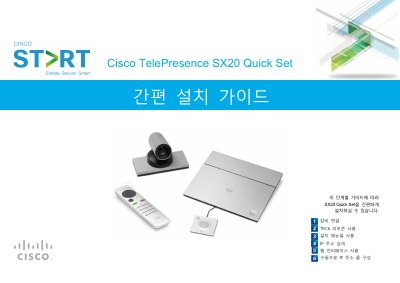
This guide provides step-by-step instructions for installing the Cisco TelePresence SX20 Quick Set. It covers verifying required equipment, connecting cables (Ethernet, HDMI, VGA, DVI), and setting up the camera and microphone. It also details how to use the TRC6 remote control and the initial setup wizard. This manual is written in Korean.
| Supported Cameras | Precision 40 or PrecisionHD 12x |
|---|---|
| Microphone | Table Microphone 20 |
| Remote Control | TRC6 |
| Required Ports for H.323 | 1720, 5555-6555, 2326-2487 |
Navigate to System Information on the remote control and press OK/Enter.
Select H.323 from the Protocol dropdown list in the DefaultCall section.