
Cisco RV160 Router Quick Start Guide covering package contents, desktop and wall mounting, panel features, and initial equipment connection.
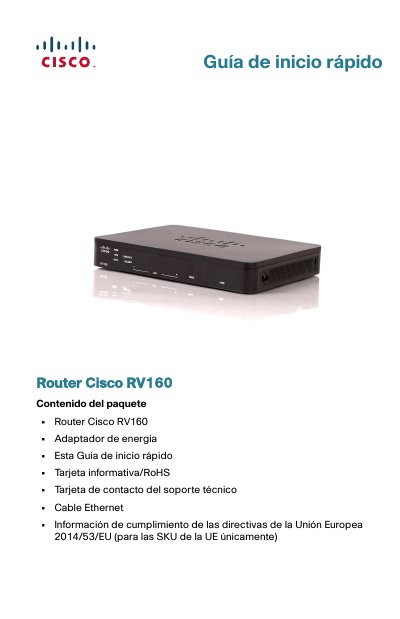
The Cisco RV160 is a four-port VPN router with IPv6 firewall support and a web-based device manager with configuration wizards. The package includes the router, power adapter, quick start guide, informational/RoHS card, technical support contact card, Ethernet cable, and EU compliance information.
This guide describes desktop and wall mounting, front and rear panel indicators and ports, and how to connect a PC to the LAN port and power on the device for initial setup. This manual is written in Spanish.
| Router type | Four-port VPN router |
|---|---|
| Firewall support | IPv6 |
| Power input | 12VDC (1.5A) |
| Max ambient temperature | 104 °F (40 °C) |
| Wall mount hole spacing | 109 mm |
| LAN ports | 4 RJ-45 ports |
| WAN port | 1 RJ-45 port |
The package includes the Cisco RV160 router, power adapter, quick start guide, informational/RoHS card, technical support contact card, Ethernet cable, and EU compliance information.
Press and hold the RESET button for more than 10 seconds; this restores factory defaults and erases configuration changes.
Do not operate the device where the ambient temperature exceeds 104 °F (40 °C).
Drill two pilot holes approximately 109 mm apart.