
This guide provides quick start instructions for Cisco Jabber for Windows 11.9, covering call management, chat features, contact customization, and phone…
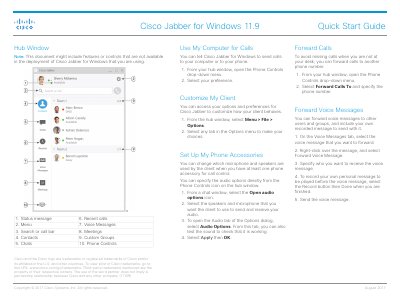
This document serves as a Quick Start Guide for Cisco Jabber for Windows version 11.9, published in August 2017. It outlines how to use the application's core features, including managing calls, chats, contacts, voice messages, and meetings. The guide also details how to customize the client interface and configure phone accessories for audio control.
Select the More icon in the chat window and then choose Meet Now.
Open the audio options icon from a chat window to select your speakers and microphone.
Right-click the message on the Voice Messages tab and select Forward Voice Message.